Support summaries for family & friends
An optional extension to the client guide bundle. A plain-language summary your client can pass on to partners, family, and carers, so the people around them know how to support progress between sessions.

This week we worked on grounding skills for stressful moments. They built a short reset routine to use before difficult conversations.
- Stress builds fastest at the end of a long day
- A short pause helps them reset before talking things through
An optional extension to the client guide bundle
Support summaries have their own step, separate from the core client guide. You generate and edit one, then your client gets it with the session.
You write your case note
Finish your session note as usual, with your normal professional documentation.
A friendly summary is generated
One click turns your note into a plain-language summary. Edit or regenerate it until it reads right.
Your client gets it with the session
Clients on the app see it when you finish the session. You can also add it to the session email.
A summary you review before publishing
You get a clear, jargon-free version of the session to check before your client sees it.
- Friendly language for partners, family, and carers
- Edit or regenerate before you finish the session
- Separate from case notes and clinical records
- Never sent to family or friends by InterSession

Keep partners, family, and carers aligned
Clients do not have to re-explain the whole session every time someone asks how they are going.
- Partners and spouses who reinforce progress at home
- Parents and family who need practical support steps
- Close friends and carers the client trusts
- Clients who need time to process before explaining the session
- Everyone supporting the client reads the same clear message

This week we worked on grounding skills for stressful moments. They built a short reset routine to use before difficult conversations.
In the app, the session email, or a PDF
Your client reads it in the client app. You choose whether to add it to the session email or export a PDF.
- Shows in the Support tab of the client app
- Tick "Include support summary" to add it to the session email
- Export a PDF from the support summary step
- Your client decides who they show or forward it to
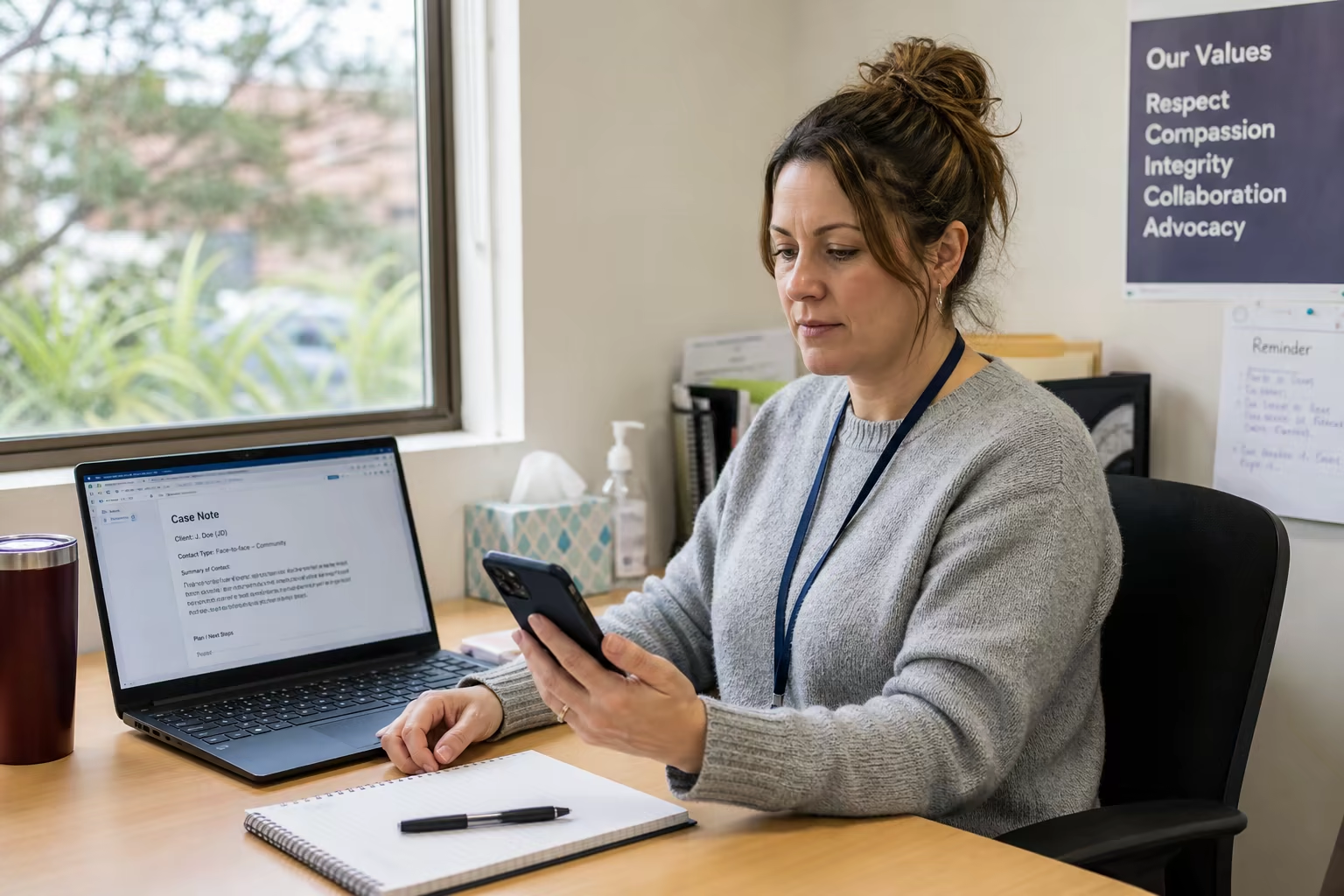
- You review and edit In the support summary step
- Published to the client app Support tab, when you finish the session
- Include support summary Optional, in the session email
- Export PDF Optional, from the support summary step
Explore the rest of the InterSession toolkit.
Session transcription, practitioner outputs, and client follow-up work together in one workflow.
Session transcription
Accurate transcripts for therapy sessions. Audio is not stored.
Case notes
Customisable templates, session notes from your case note template, and MHTP tracking.
Client Ark
A living treatment synthesis from sessions and clinical records.
Document Studio
Formal letters, reports, and forms drafted from the client record.
My Writing Voice
Optional Clinical and Client-Facing voices that shape phrasing and tone.
Quick transcription
Transcribe calls, meetings, and brief notes without a full session.
Email reply
Paste an email and get a thoughtful draft reply to edit.
Client guides
Summary, growth tasks, and personalised resources in one between-session guide.
Client app
One place for recaps, tasks, resources, mood check-ins, and reflections.
Common questions about support summaries
Short answers on delivery, privacy, and practitioner review.
Ready when you are
Make support outside session easier
Give clients a simpler way to keep partners, family, and carers aligned without having to explain everything themselves.