The clinical admin toolkit for psychology practices.
Get drafts for your clinical admin, case notes, client guides, and personalised resources within 3 minutes from a single transcript.
Your Clients
One workflow to draft case notes and client support materials
Run the session, review the outputs, and move to the next client without rebuilding the session from memory later - stay on top of your admin.
Clinical grade transcription for your documentation
Capture in-person or telehealth audio, get an accurate transcript, which feeds into all documentation.
- Microphone recording in person, Chrome or Edge tab sharing for telehealth
- Audio is not stored
- Transcript kept for case notes and client outputs
- Available in 43 languages

Case notes tailored to your style and modality
Start each session with default or custom case note templates, then generate notes that match your style and client needs.
- 15+ default templates across major modalities
- Create and customise your own case note templates
- Session notes generated from the selected template
- MHTP tracking built into your client workflow

Client reports feeling "more grounded" this week. Successfully used breathing exercises during a work meeting...
"If I speak up, everyone will think I'm incompetent". Identified as mind-reading and catastrophizing...
Cognitive restructuring. Reviewed evidence for and against the thought. Generated alternative: "I have valuable experience to share..."
Complete thought record for 2 situations. Practice 4-7-8 breathing daily. Behavioural experiment for presentation...
A living clinical story for each client
Turn past notes, reports, assessments, and completed sessions into a structured treatment overview you keep refining.
- Clinical snapshot, 5 Ps formulation, goals, and timeline
- Import history or build from completed sessions
- Edit the synthesis and review proposed updates
- Session plans use Ark as the source of truth

Client presents with persistent work anxiety and sleep disruption after a promotion. Panic spikes before leadership meetings.
Treatment focus
Meeting panic and avoidance at work
Treatment direction
Graded exposure plus thought records
Barriers
Perfectionism and after-hours rumination
Current risk
RiskNo current self-harm. Sleep debt raising irritability.
Formal letters and reports, drafted from the client record
Draft formal letters, reports, and form content from Client Ark, completed sessions, and uploaded records. You review the draft, mark it Final, and export a PDF.
- GP letters, treatment summaries, and NDIS reports
- Episode of Care Summary for clinician-to-clinician handover
- Insurer and workers compensation form content
- Every document opens as an editable draft

A structured safety plan on each client record
Build a safety plan with your client from the Safety Plan tab. Eight sections cover warning signs through to emergency contacts. It stays on the practitioner side.
- Warning signs, coping strategies, and people who can help
- Safer environment steps and reasons to stay safe
- Professional supports and emergency contacts
- Export a PDF or email the plan from your mail app
- 1 Warning signs
- 2 Internal coping strategies
- 3 External coping strategies
- 4 People who can help me cope
- 5 Ways to make the environment safer
- 6 Reasons to stay safe
- 7 Professional supports
- 8 Emergency contacts
One guide with summary, growth tasks, and resources
Turn the reviewed clinical context into one between-session guide: plain-language summary, growth tasks, and personalised resources.
- Client summary with a tone that fits your style
- Growth tasks derived from session context
- Personalised resources from what came up in session
- You review tone and content before anything goes out

Plain-language recap with the tone you choose
Today we explored how anxiety shows up before work meetings. You practised naming the thought, stepping back from it, and using a short breathing reset when pressure builds.
Tone: Warm • For Sarah M.Optional updates for family, carers, and partners
An optional extension to the client guide bundle. You review a plain-language summary, then your client gets it in the client app or the session email.
- Plain-language updates for support networks
- Optional add-on to the client guide workflow
- Your client decides who they pass it on to
- Helpful for neurodivergent clients and carers

This week we worked on grounding skills for stressful moments. They built a short reset routine to use before difficult conversations.
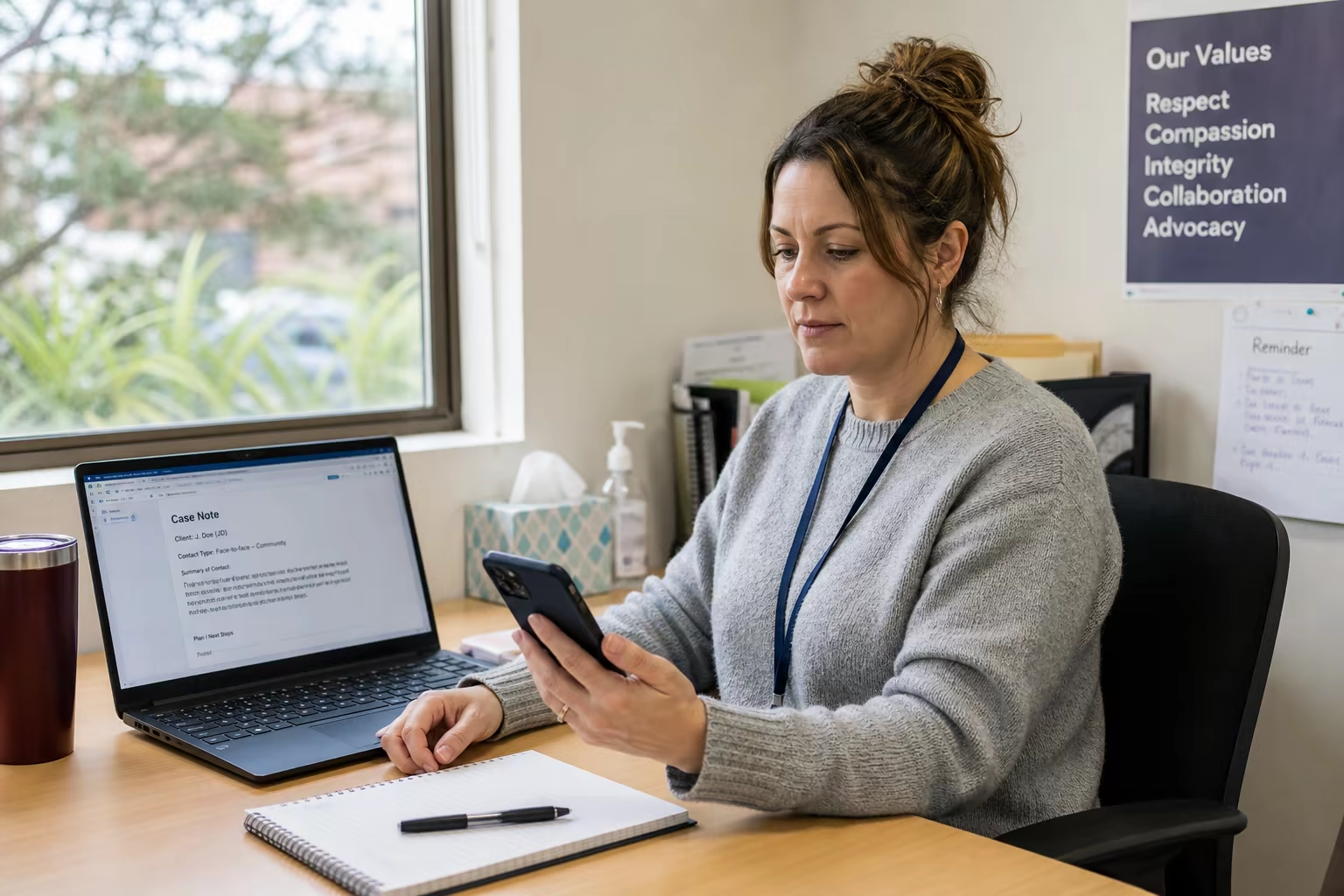
Transcribe calls, meetings, and brief notes
Capture lighter admin without opening a full session. Useful for phone calls, meetings, and brief notes.
- Fast transcription for calls and meetings
- Lightweight workflow without a full client session
- Turn brief audio into structured notes
- Audio is not stored
Supervision call with Dr. Lee
Generating summary...
Supervision call with Dr. Lee
Discussed caseload management and risk documentation for two active cases. Agreed on a weekly check-in structure for complex cases and reviewed documentation standards for MHTP updates.
Paste an email, get a thoughtful draft
A standalone tool for between-session contact. Paste the message, choose goal and tone, and review before you send.
- Paste the client message directly
- Goal chips for next steps, homework, boundaries, and admin
- Edit every draft before sending
- No session workflow required

Thanks for reaching out. We can review what feels most useful to focus on in our next session on Thursday. For now, keep using the breathing reset we practised and note one situation where it helped.
Built for trust and privacy.
AI creates drafts. You decide what enters the clinical record, what clients see, and when anything is shared. Your clients trust you with sensitive information; we build around that.
- Review and approve every AI output before use
- Data hosted in Sydney, Australia
- Your data is never used for AI training
- Row-level security isolates each practice
Australian Privacy Principles
Designed around the Privacy Act 1988 and the 13 APPs.
Encrypted Data
AES-256 at rest, TLS in transit. Protected on Australian servers.
Audio not stored
Transcribed in real time. We never store session audio.
Consent Workflows
Built-in consent with digital signatures and PDF records.
Explore the rest of the InterSession toolkit.
Session transcription, practitioner outputs, and client follow-up work together in one workflow.
Session transcription
Accurate transcripts for therapy sessions. Audio is not stored.
Case notes
Customisable templates, session notes from your case note template, and MHTP tracking.
Client Ark
A living treatment synthesis from sessions and clinical records.
Document Studio
Formal letters, reports, and forms drafted from the client record.
My Writing Voice
Optional Clinical and Client-Facing voices that shape phrasing and tone.
Quick transcription
Transcribe calls, meetings, and brief notes without a full session.
Email reply
Paste an email and get a thoughtful draft reply to edit.
Client guides
Summary, growth tasks, and personalised resources in one between-session guide.
Support summaries
Plain-language updates your client can pass on to partners, family, and carers.
Client app
One place for recaps, tasks, resources, mood check-ins, and reflections.
Common questions about admin automation
Short answers on review, privacy, clinical control, and how the toolkit reduces weekly admin.
Ready when you are
Get 10+ hours back every week
Automate the admin that's burning you out. More time for clients, CPD, or just going home on time.