
The list never shrinks
Dozens of students a week, with notes squeezed into five-minute gaps between sessions. Someone always waits while you catch up on the last one.
Child and adolescent case notes, student guides, and parent summaries from session transcription. Review everything before it is saved or shared.
Australian privacy controls · Hosted in Sydney · Audio is not stored

School counsellors and wellbeing teams carry large caseloads with minimal admin time built into the day.
Dozens of students a week, with notes squeezed into five-minute gaps between sessions. Someone always waits while you catch up on the last one.

Parents want to know how their child is going. Teachers need context. External providers want a summary. Each conversation needs its own version of the same session.
Case notes, student guides, and parent summaries drafted from the same session. You review each before sharing.
Age-appropriate case notes, student and parent guides, and sharing to the mobile app. All drafted from the same transcript for you to review.
Capture in-person or telehealth audio in your browser. InterSession transcribes the session and drafts age-appropriate case notes from your template.
Plain-language summaries for parents and carers, drafted from the session and ready for you to review before sharing.
Today we explored how anxiety shows up before work meetings. You practised naming the thought, stepping back from it, and using a short breathing reset when pressure builds.
After you review a client guide, share it to the InterSession mobile app. Students and parents revisit summaries and growth tasks between appointments.
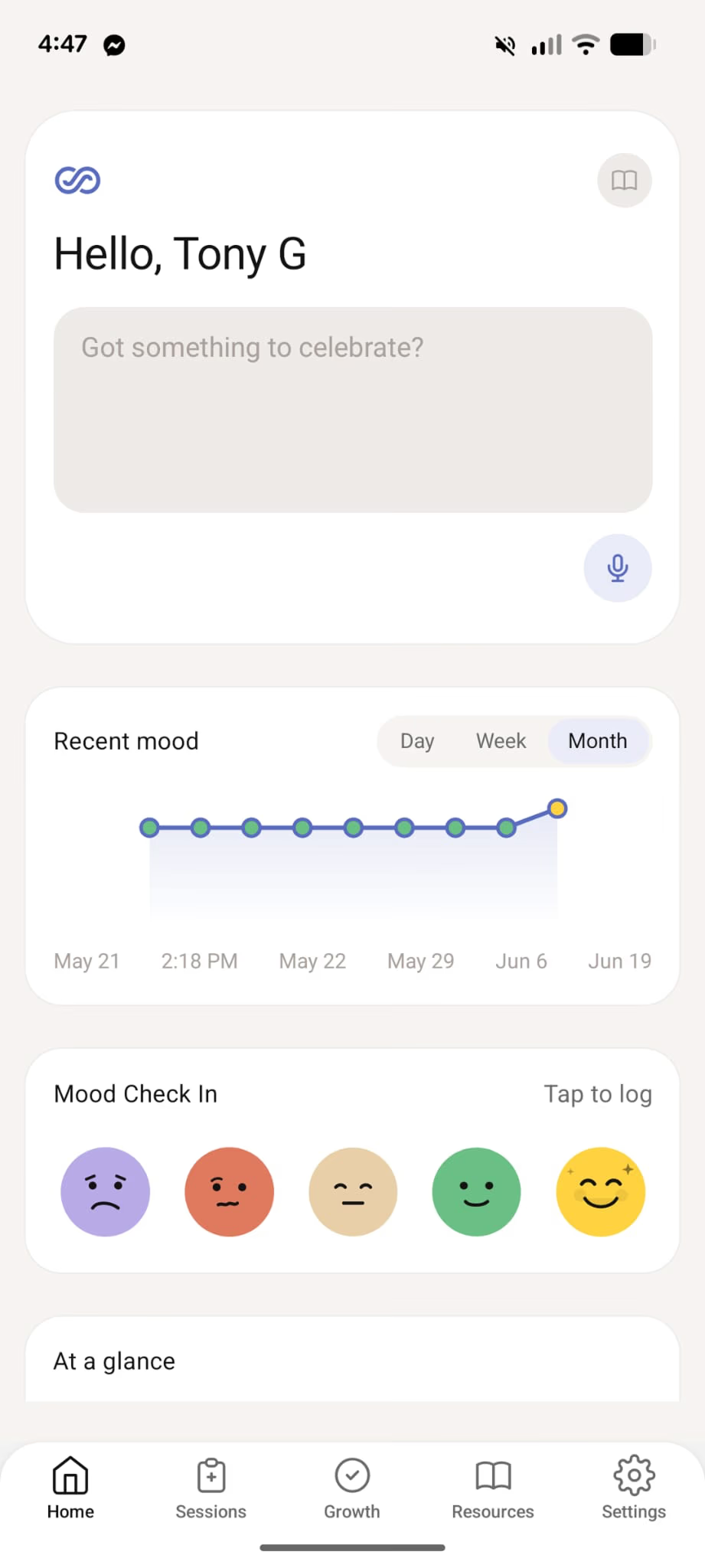
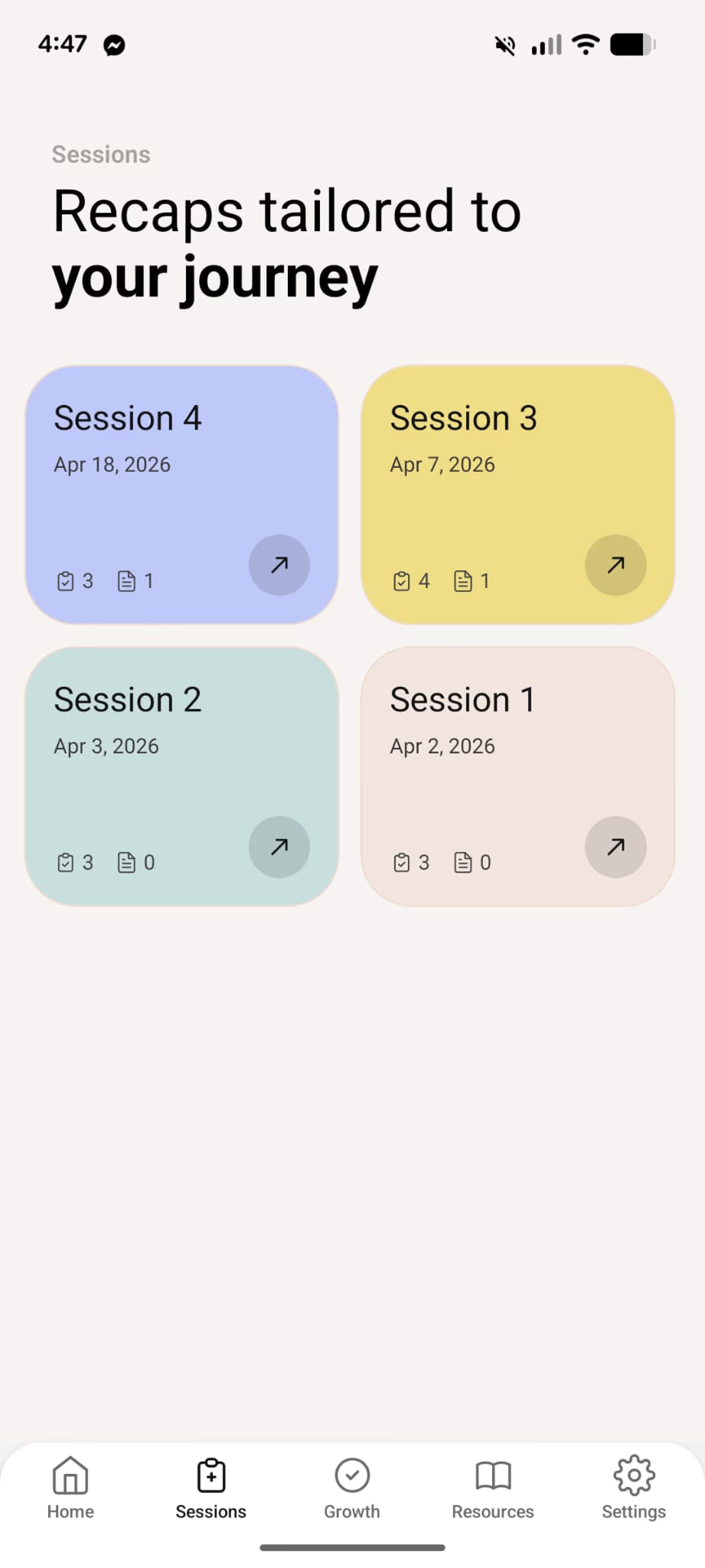
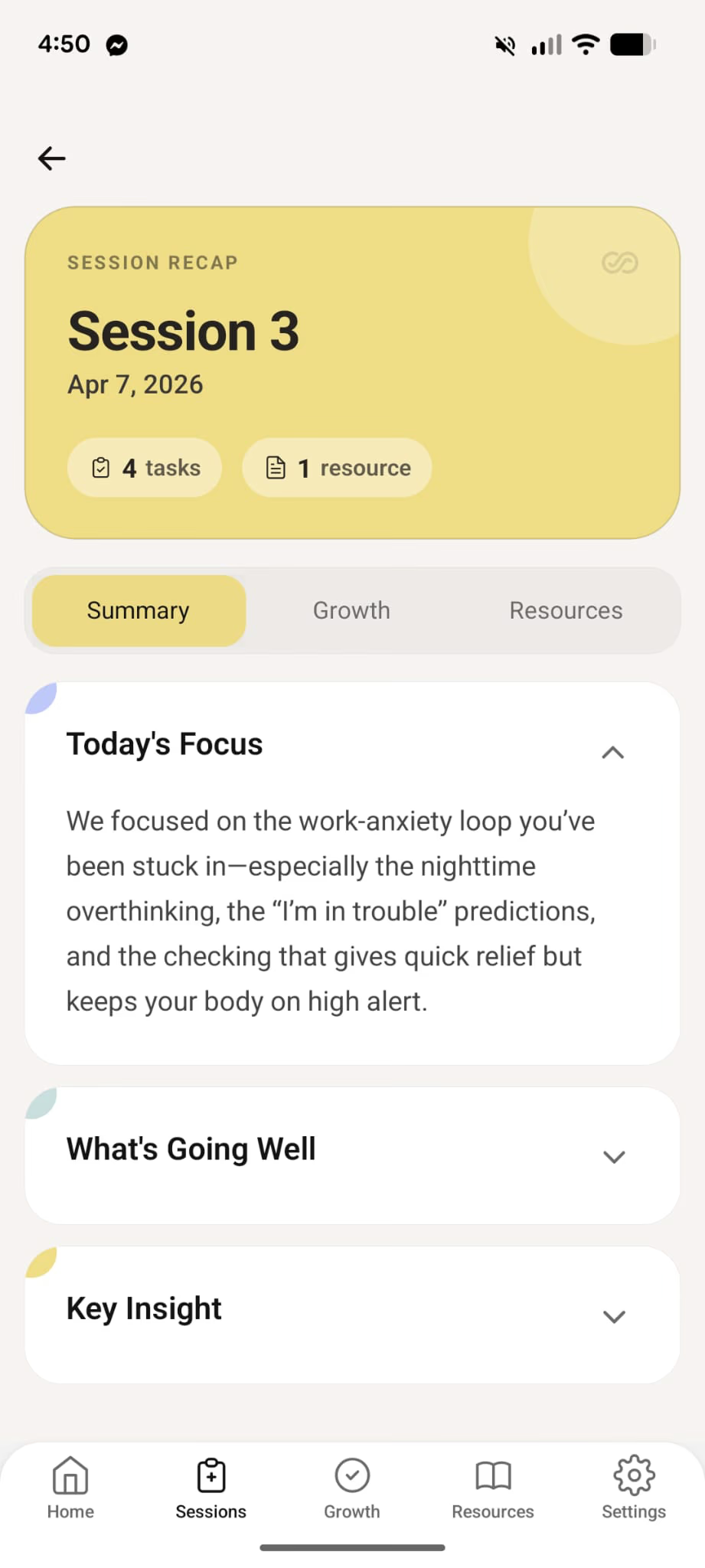
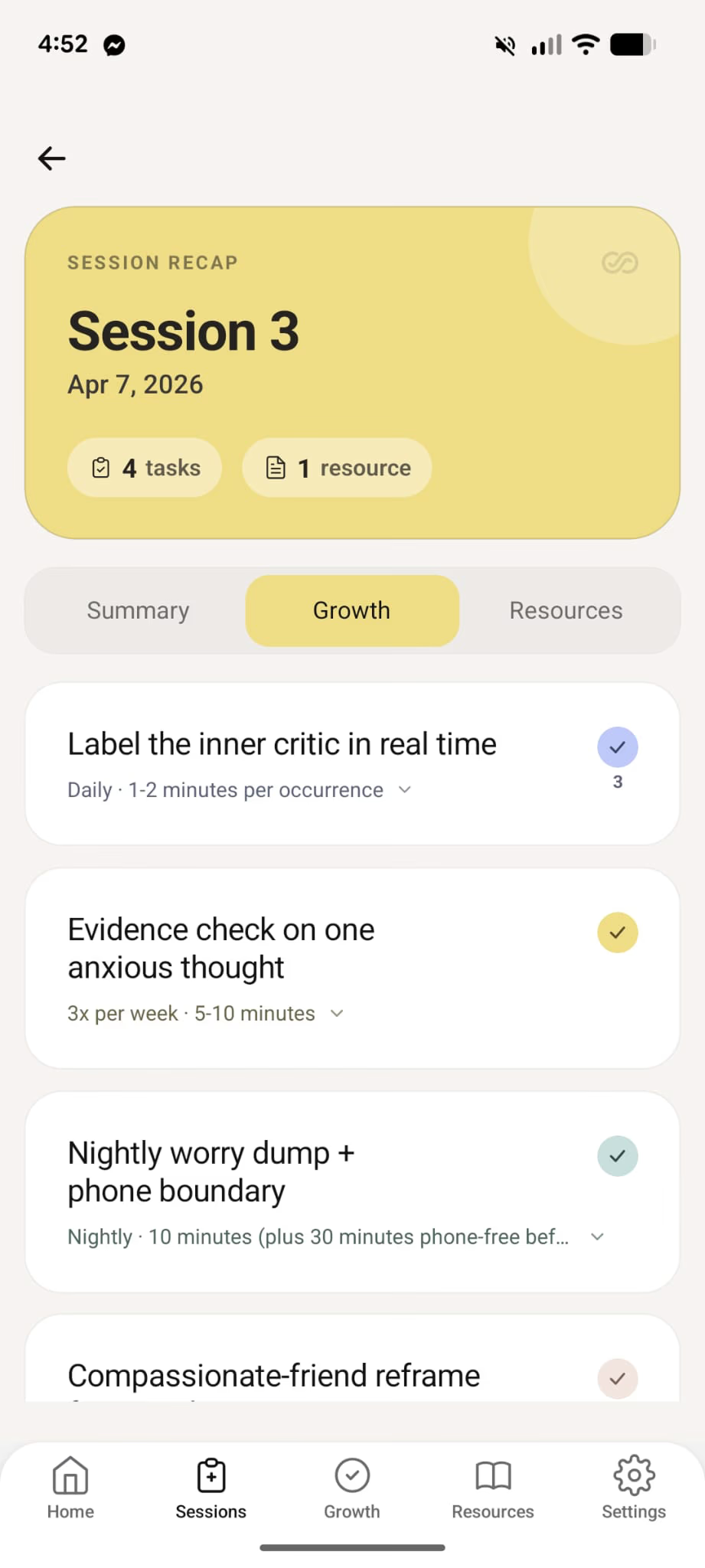
InterSession splits session work into documentation for you and follow-up students can use between appointments. Review both before anything is saved or shared.
Each week, with documentation and follow-up generated from the same transcript.
Calculate your ROIThree steps after each session. Transcribe once, approve your clinical note, then share student and parent follow-up when you are ready.
Focus entirely on the student conversation. InterSession transcribes in-person or telehealth audio, then deletes it.
Select your child or adolescent template. InterSession generates your clinical note. You add insights, adjust language, and finalise.
Send the student a friendly summary with wellbeing tasks. Generate a parent update. Export notes for school records.
Short answers on student confidentiality, parent communication, safety plans, and school records.
Ready when you are
Start a free trial. Record a session, review your notes and student guide, and see what your caseload looks like when documentation is already drafted.